 ™
Google Brings Computer Use to Gemini for Mac: Background Multi-Step Tasks
Google announced on November 19 that the Mac Gemini app now has computer use: it can operate local files, desktop apps and web pages inside an isolated background window to complete multi-step tasks, initially for US English users only.
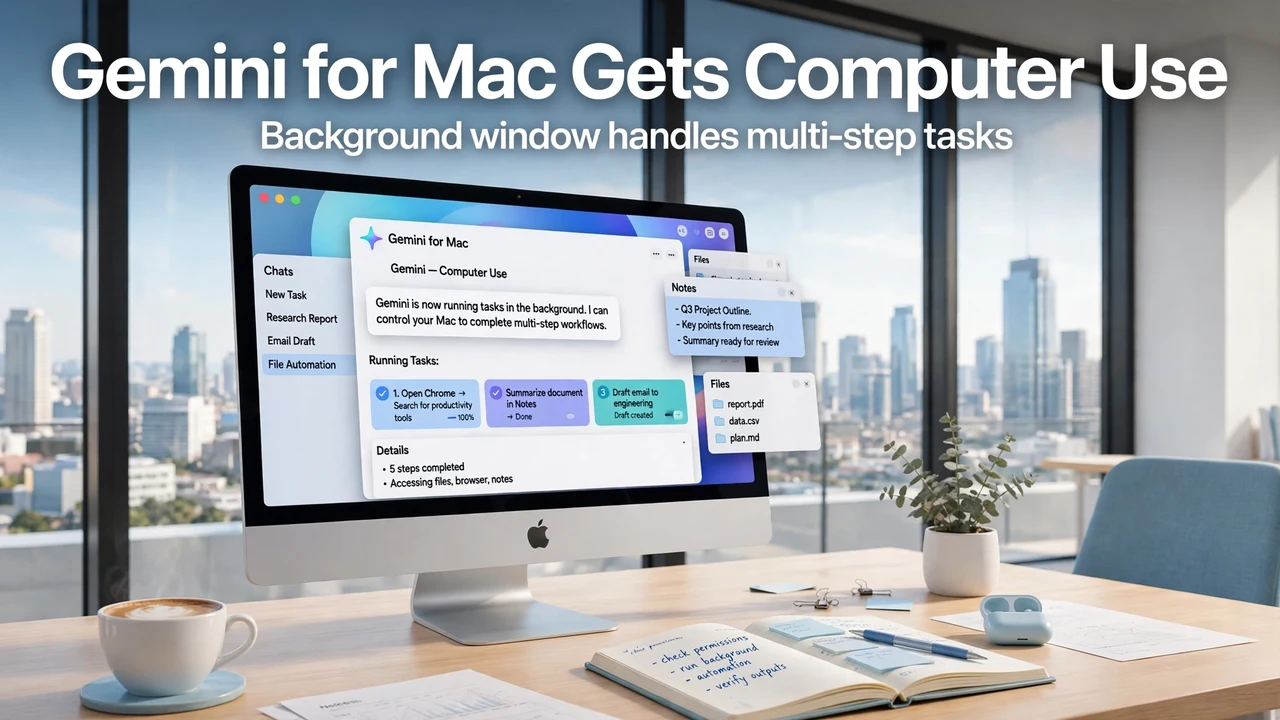
What happened
The feature, called computer use, runs inside the Mac Gemini app. After a user gives a task in natural language, Gemini carries out clicks, typing, menu navigation and form filling inside an isolated background window, with live progress previews in the chat; the main screen and mouse are unaffected, so users can keep working on their own tasks. Users choose which apps to authorize, can pause at any time, and key actions require prior approval.
Google's example uses include batch photo edits, extracting information from a local PDF to fill in a shipping form, pulling live data into Google Slides, and analyzing photos to list them on a resale platform. The feature is for US users in English only, requires a Google AI Plus, Pro or Ultra subscription, an Apple Silicon Mac running macOS Sequoia 15.0 or later, and a personal account aged 18 or older.
This follows Gemini Tasks going free on November 17, another step in computer operation: Tasks lets Gemini make calls, pay and log in on the user's behalf, while computer use extends that reach to local files and desktop apps. There is one discrepancy on subscription scope: the official blog says Plus, Pro and Ultra can all use it, while Google's support documentation currently says only Pro and Ultra can control desktop apps; actual availability depends on the account.
Key facts
- Feature: Computer use operates local files, desktop apps and web pages inside an isolated background window to complete multi-step tasks
- Actions: Clicks, typing, menu navigation and form filling; live previews in the chat; main screen and mouse unaffected
- Controls: Users choose which apps to authorize, can pause at any time, and key actions require prior approval
- Examples: Batch photo edits; extracting information from a local PDF to fill a shipping form; pulling live data into Google Slides; analyzing photos to list on a resale platform
- Availability: US, English only; Google AI Plus, Pro or Ultra; Apple Silicon Mac with macOS Sequoia 15.0 or later; personal accounts aged 18 or older
- Scope note: The blog says Plus, Pro and Ultra can all use it; Google's support documentation currently says only Pro and Ultra can control desktop apps
Why it matters
Gemini moves from answering questions to operating the computer directly, with tasks running in an isolated background window and key actions requiring approval, as Google turns computer-use agents into a formal feature for subscribers.
CompaniesGoogle
Grab todayAdobe Creative Cloud Pro: 57% off first yearHIMIAO Picks →Follow HIMIAO Horizon
No sign-up · Unsubscribe any timeNotifications
A ping on your phone or computer when the brief is out. No email needed.
Comments
Related
- Nov 22Google Redesigns Search Homepage Around Gemini, Drops Search Button
- Nov 21Gemini API Adds Tool Retrieval: Agent Tools Load On Demand
- Nov 19Google Opens Genie 4 to Ultra Subscribers: Worlds That Talk Back
- Nov 19Gemini Tasks Goes Free in Six Countries, With AI Calling and Paying in the US
- Nov 13Samsung Gemini Smart Glasses Open for Preorders From $395, Shipping Dec 10
Today
Nov 23 Monday- Brief
- GitHubGitHub Weekly Vol.7: 7 Projects Worth a Look This Week
Tested or read — weeklyAll →
- Quiz
- Call
Latest news
All →- Nov 23GitHub Weekly Vol.7: 7 Projects Worth a Look This Week
- Nov 23Alibaba Qwen4-Max Review: Intelligence Index 43, Task Costs Down 58%, Terminal Coding Trails Kimi
- Nov 23US Intel Chief Confirms China Obtained Nvidia's Top AI Chips
- Nov 23OpenAI Chief Scientist: Perplexity Tracks Intelligence, Calls for Shared Limits
- Nov 23AI Agents Breached a Medical Imaging Server in 11 Minutes; MONAI Label Zero-Day Now Fixed
- Nov 23Tampered DeepSeek Model Served for 53 Hours; Refusals Fell From 98% to 1%